5 steps · about 1 min
Adding a waste type
Set it up once, pick it in one tap.
- 1
Tap Saved → Waste types → Add.
- 2
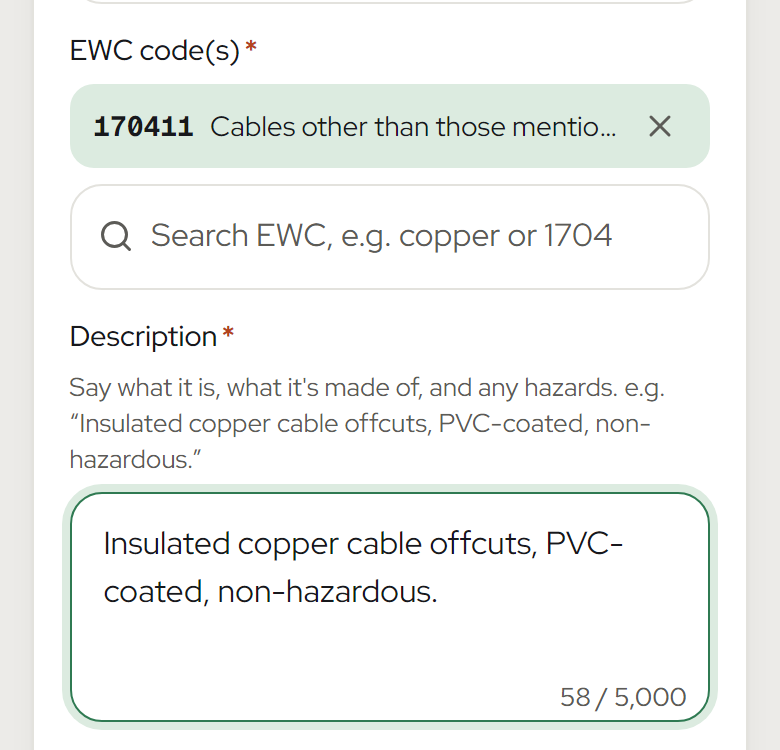
Pick the EWC code and write a description.
- 3
Choose the container.
- 4
Pick a disposal or recovery code, e.g. R4.
- 5
Press Save.
Good to know
- Hazardous or POPs? Turn it on and add the amounts in mg/kg.
- Have a spreadsheet? Use More → Import & export.
Related