4 steps · about 1 min
Import & export
Bring data in from another provider, or download it all.
- 1
Go to More → Import & export.
- 2
Choose your Excel or CSV file.
- 3
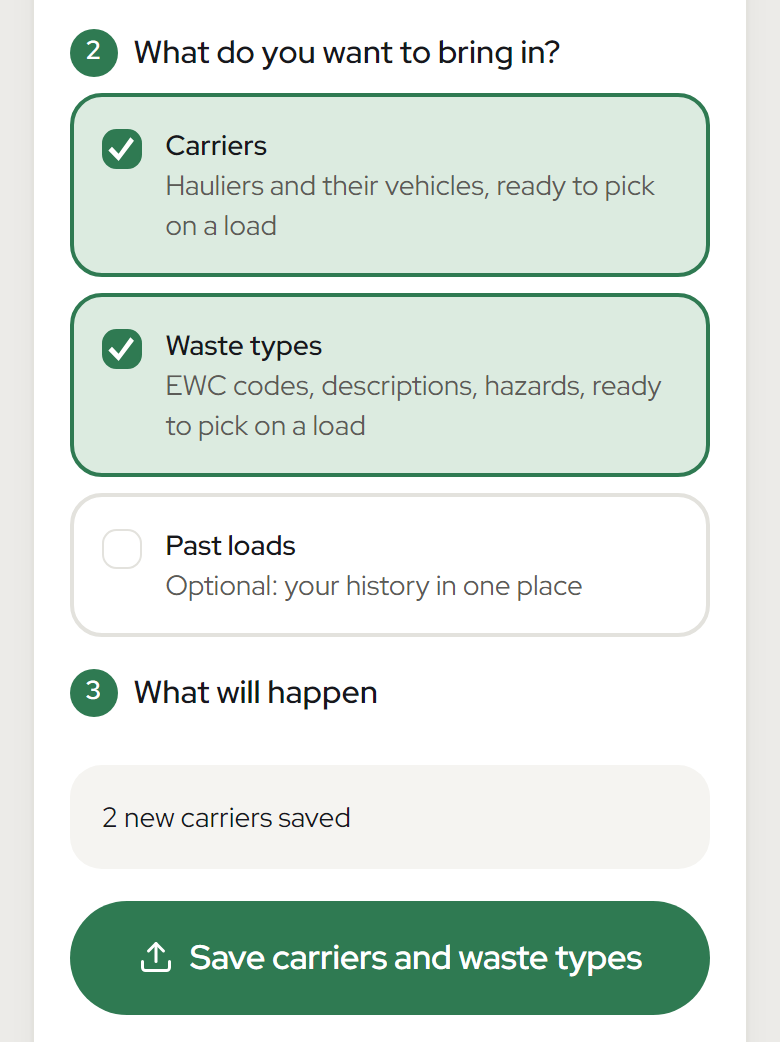
Tick what to bring in.
- 4
Tap Check the file, then Import.
Good to know
- Not needed to start: you can just send your next load.
- Importing never sends anything to DEFRA.